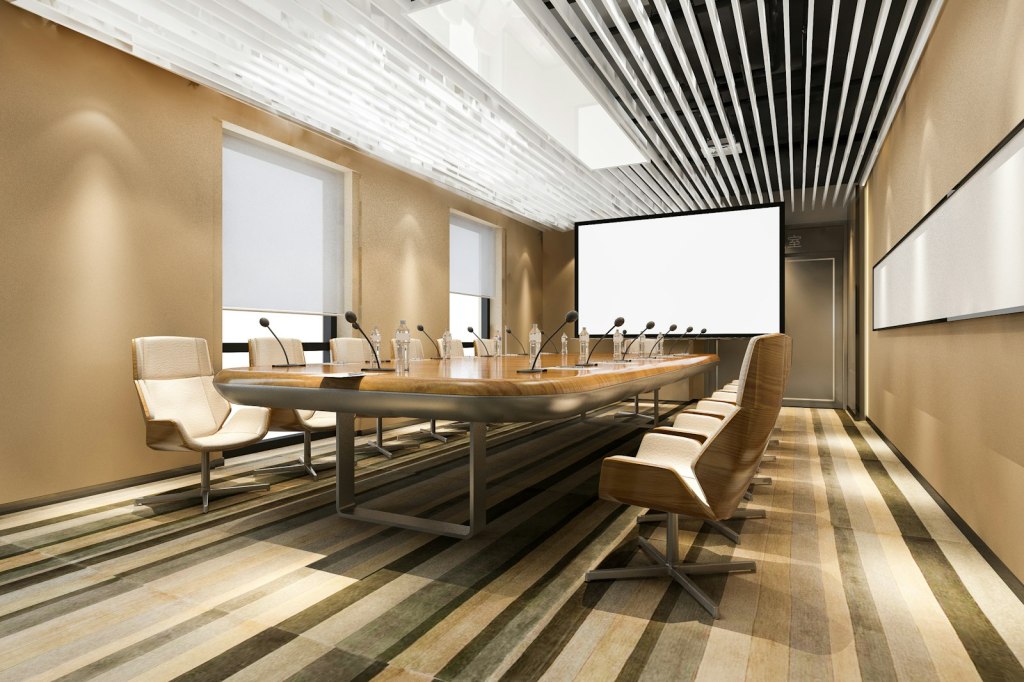
A client calls. They have just bought a new Full HD projector for the boardroom. The picture looks small, there are grey bands at the top and bottom, and the text still looks soft. When we visit, we find the problem in two minutes. The projector is new, but the screen on the wall is an old square tripod screen, or a 4:3 screen from the days of overhead projectors.
This happens a lot. And it sits next to two other habits I see every week: asking for a 4K projector for a boardroom because the TV at home is 4K, and buying a “laser TV” with its grey home cinema screen for a meeting room. All three come from the same place. People buy the product, not the result.

Aspect ratio in plain words
Aspect ratio is simply the shape of the picture: width compared to height. A 4:3 picture is almost square. A 16:9 picture is the wide shape of every TV and laptop today. A 1:1 screen is a perfect square.
- 1:1 square screens come from the era of slide projectors and overhead projectors, when the image could be portrait or landscape. They have no place in a modern meeting room.
- 4:3 was the shape of old computer monitors and XGA projectors (1024 x 768).
- 16:10 is the native shape of WUXGA projectors (1920 x 1200), the most common resolution in business and education projectors today.
- 16:9 is the shape of Full HD (1920 x 1080) and 4K UHD (3840 x 2160), and of most laptop output and video calls. PowerPoint also uses 16:9 as its default slide size.
Now put a 16:9 picture on a square screen. If the picture fills the width, it uses only 56% of the screen. On a 4:3 screen it uses 75%. The rest is empty grey or white space, and the picture is smaller than the screen you paid for. If you try to fill the height instead, the picture spills off the sides and onto the wall.

The rule is simple. Match the screen to the projector and the content. A WUXGA projector goes with a 16:10 screen. A Full HD or 4K projector goes with a 16:9 screen. A 16:10 screen also works well with 16:9 content, with only thin bands top and bottom.

Size the screen to the last seat, not the wall
The second mistake is size. The screen should be chosen from the distance to the farthest viewer and the kind of content, not from how much wall is free. An old rule of thumb in our industry said the farthest viewer should sit no more than about six times the picture height away for general viewing, and closer for detailed content like spreadsheets. Today AVIXA publishes a proper standard and a free calculator for this, called DISCAS. A good integrator will use it before choosing the screen and the projector.
4K in the boardroom: who is it really for?
The second habit is resolution. The TV at home is 4K, the phone shoots 4K, so the boardroom must have a 4K projector. It sounds logical, but in most meeting rooms it does not change what people see.
- Viewing distance. Resolution only helps if your eye can see the extra detail. From three to six metres back, on a typical boardroom screen, most people cannot tell 4K from a good WUXGA picture when they are looking at slides, emails or a video call.
- The content. Presentations use big text and simple graphics. Most video calls arrive at Full HD or lower. Many laptops are set to output 1080p. A 4K projector cannot add detail that is not in the signal.
- Not all “4K” is native. Many affordable 4K projectors use a Full HD or similar chip and shift the pixels very fast to create a 4K image on screen. It can look very good, but it is not the same as a native 4K panel, and native 4K models cost far more.
- The money. The difference in price is better spent on brightness, a laser light source, a proper screen, good microphones and sound, or a better camera for video calls. Those are the things people in the room actually notice.
4K does have its place: engineering and architectural drawings, medical images, detailed maps in control rooms, large screens viewed from close up, and of course cinema. If that is your content, we will specify it. If your boardroom runs PowerPoint, Excel and Teams, spend the money where it shows.
The laser TV in the boardroom
The third habit is newer. Someone sees a “laser TV” in a showroom or online: an ultra short throw laser projector that sits on a cabinet under the wall, sold together with a special grey screen. It looks stunning in a living room, so it gets bought for the boardroom.
Those screens are called ALR, ambient light rejecting. They are clever: their surface reflects the light coming from the projector below back towards a viewer sitting in front, and rejects light coming from above, like ceiling lights. The product is designed around a family sitting on a sofa watching a movie. That is exactly why it is often the wrong choice for a meeting room.
- Viewing angle. These screens are at their best for viewers sitting in front. People at the far ends of a long boardroom table see a dimmer picture with shifted colours.
- Content. Movies are mostly mid tones and dark scenes. Slides are mostly white backgrounds with text. A darker grey home cinema surface is tuned for the first, not the second.
- Size and position. The screen size is fixed, and the projector must sit at an exact distance below it. You cannot easily move to a bigger screen later, and the projector needs a cabinet where a credenza or a presenter normally stands.
- Built for homes. Smart TV apps and built-in living room speakers are not what a boardroom needs. Control from a room system, fixed inputs and long daily use matter more, and the warranty terms are often written for home use.
There are good ultra short throw projectors and good ALR screens made for business and education. The point is to choose them for the room and the content, not because they looked good in a living room.
Start from the room, not the product
Before you buy any display, answer these questions:
- What will be shown most of the time: slides, spreadsheets, video calls, drawings or video?
- How far is the farthest seat from the screen?
- How bright is the room, and can the lights and blinds be controlled?
- What is the native shape of the projector, and does the screen match it?
- Who will support the system locally when something goes wrong?
Get those right and a Full HD or WUXGA laser projector on the right screen will beat an expensive 4K projector on the wrong one, every time.
If you are planning a boardroom, classroom or hall and want the display chosen properly, from screen shape to brightness, Talk to us at PRO AV Africa or message me on WhatsApp.
References
- Display Image Size standard and DISCAS calculator, AVIXA
- Change the size of your slides, Microsoft Support
- Which ALR surface is right for you?, Barbour Product Search
Photo: Unsplash. Product image: Vivitek. Diagram: Boaz Shani.