More and more briefs I receive say the same thing: “No projectors.” Schools, churches, boardrooms and halls now ask for an LED wall, a large flat screen, or an LCD video wall instead. When I ask why, the answer is nearly always the same. For years they used a cheap lamp projector, the picture was dim, the lamp kept dying, and they are tired of it.
I understand the feeling. But throwing out projectors because of a cheap projector is like a company that buys a cheap Wi-Fi router, suffers dropped connections and daily restarts, and then decides Wi-Fi does not work and wires every desk with cable. The problem was never Wi-Fi. It was the router. Put in a proper business access point and the experience is on another level. Projectors are the same.

What people are comparing
Before deciding, it helps to know what each option really is.
- Projector: throws an image onto a screen. Gives the biggest picture for the money. Picture quality depends heavily on brightness, the room light and the screen.
- LFD (large format display): a professional flat screen, typically 55 to 110 inches, built to run long hours. Bright and sharp, but the size is limited.
- LCD video wall: several thin-bezel professional screens joined together. Large and bright, but with thin lines between the panels.
- DvLED (direct view LED): an LED wall built from modules, with no lines and no size limit. Excellent brightness and impact, and by far the highest cost per square metre.

The DvLED reality check
DvLED is a great technology and we design with it often. But many clients do not realise what a good LED wall costs, so they shop for a cheap one. That is where the trouble starts.
- Spare parts disappear. Import an LED wall from just any factory, and in one or two years you may not find that factory, that module or that driver card again. One dead module and there is a hole in your wall.
- Colours stop matching. LEDs are sorted into batches by colour and brightness. Modules from a different batch can look slightly different next to the original ones. Even the big brands find this hard, so they keep spare modules from the same batch. A cheap supplier usually does not.
- Real brightness and life. The whole point of LED is a bright, sharp, long-lasting picture. Cheap walls are often dimmer than advertised, fail sooner, and have no local support.
- The budget. For the price of one good LED wall you can often install a top laser projector, a quality screen and proper sound, and still have money left.
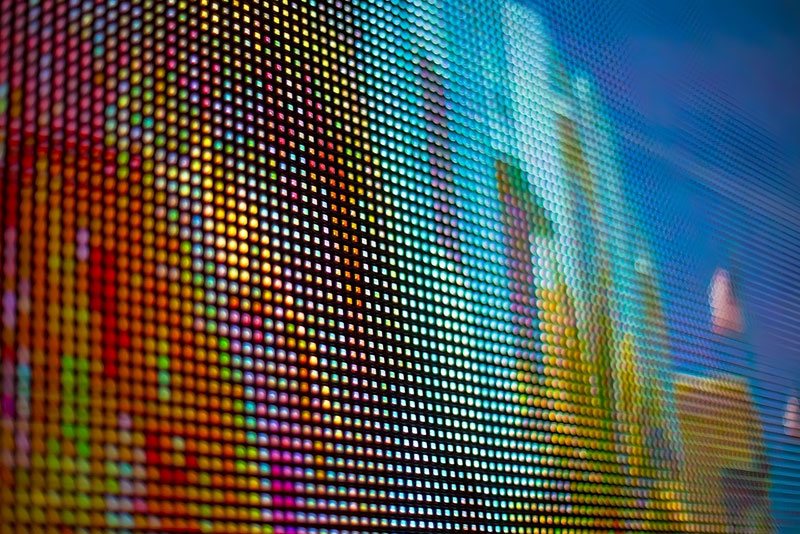
With a recognised brand you will still face some of these issues, but you will have a supplier who stands behind the product. That is the difference.
A cheap projector is not the same as a good one
A projector that costs one or two million shillings will never perform like a professional installation projector. The problem is that most people have only ever seen the cheap end, so they think that is what projectors are. Here is what to look at before you buy.
1. Brightness, the honest number
Projector brightness should be measured in ANSI or ISO lumens, using the international ISO 21118 method. Many cheap projectors sold online advertise 5,000, 9,000 or even 12,000 “lumens” for $100 to $300. That is not possible. Some list “lux” or “LED lumens” instead, which are not the same thing at all.
This is not just my opinion. Epson has taken several online sellers to court in the US over exaggerated brightness claims. In 2024 a court awarded Epson more than $500,000 against one Amazon seller, AuKing, and other brands have agreed to correct their specifications after Epson sued. If a deal looks too good, the brightness number is usually the reason.
2. Resolution
Old XGA (1024 x 768) projectors are why so many people think projected text looks soft. Today WUXGA (1920 x 1200) is the sensible minimum for classrooms, boardrooms and churches, and 4K is available where detail really matters.
3. Lamp or laser
This is the biggest change in projectors in recent years. A lamp projector’s lamp typically lasts about 3,000 to 6,000 hours at full power before it drops to half brightness, and lamps often fail earlier than rated. Over ten years you can expect two to four lamp changes, each one costing money and downtime. A laser projector is typically rated at about 20,000 hours, with little or no maintenance in between.
Laser also switches on and off almost instantly. There is no warm-up and no cool-down. In Uganda, where the power goes off without warning, that matters. A lamp projector that loses power while hot has no chance to cool its lamp properly, and that shortens lamp life. Laser simply comes back on when the power returns.
4. Dust: DLP or 3LCD
Our rooms are dusty, and dust is a projector’s enemy. Projectors use two main imaging technologies. Single-chip DLP projectors usually have a sealed light path, so dust cannot settle on the imaging chip, and many models need no filter at all. 3LCD projectors produce excellent colour, but they draw air through the optics and depend on a clean filter. Neither is wrong, but in a dusty school or church without regular maintenance, a sealed DLP or a laser model with a long-life filter will give you fewer problems.
5. Hours, warranty and who supports it
Look at the rated hours, the filter life and the warranty, and ask who services it locally. Several manufacturers make education ranges built for long school days, often with longer warranties. A projector is only as good as the after-sales support behind it.

Throw types: where the projector sits
The throw ratio tells you how far the projector must be from the screen. Multiply the ratio by the picture width and you get the distance.
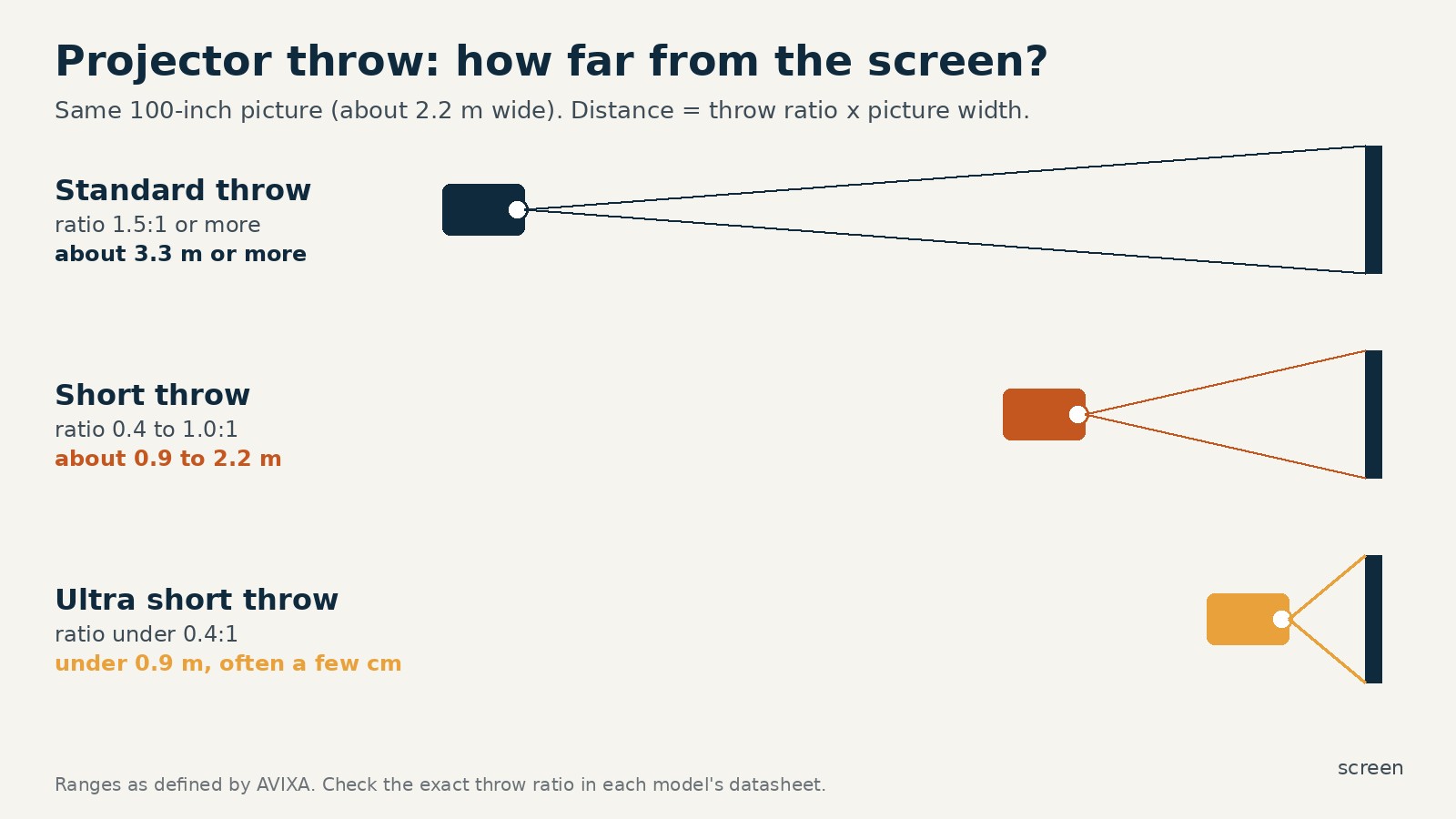
- Standard throw (1.5:1 or more): mounted at the back or middle of the room. Best for halls, churches and auditoriums.
- Short throw (about 0.4 to 1.0:1): a big picture from close up. Fewer shadows on the presenter and less glare in their eyes.
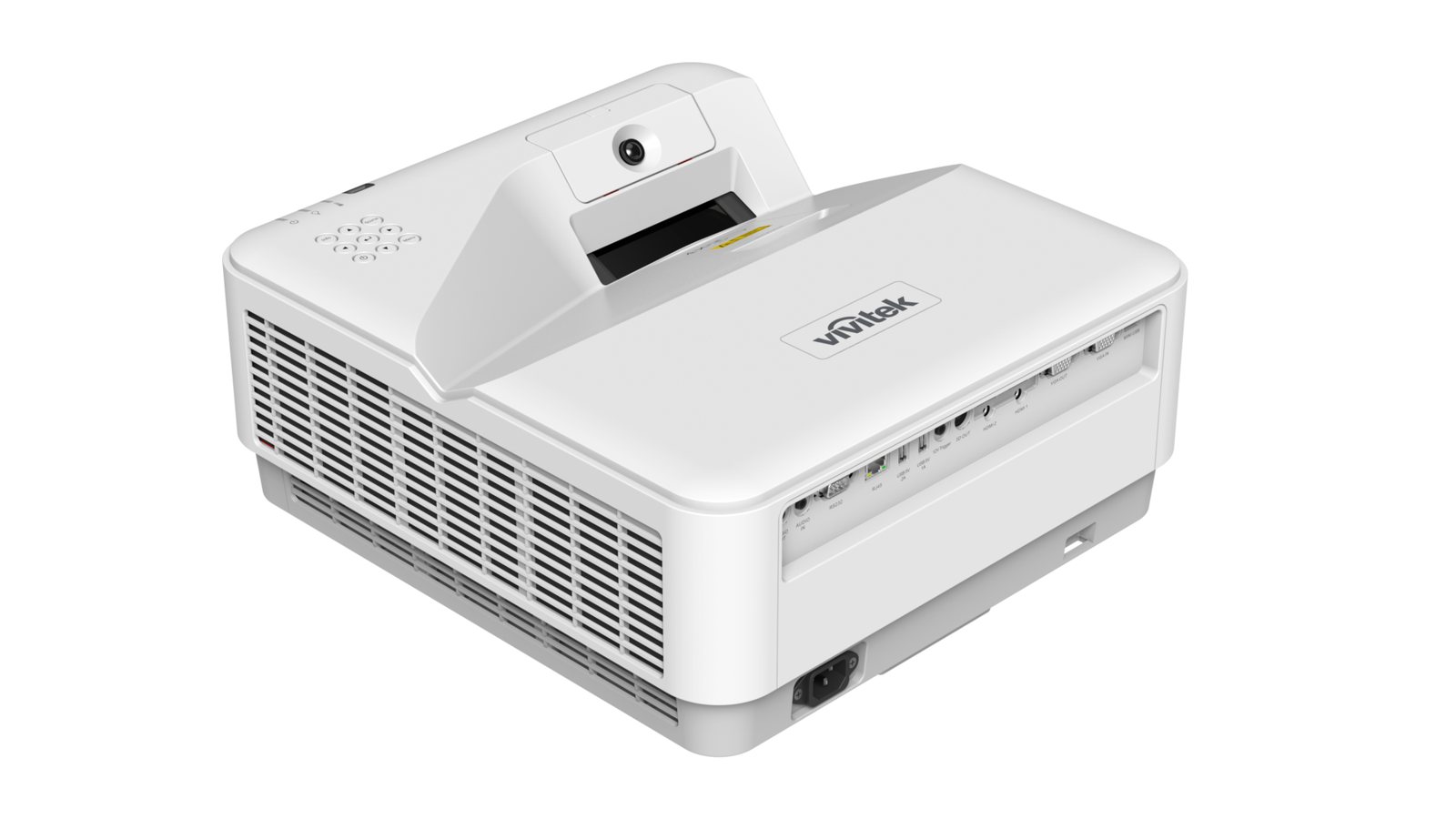
- Ultra short throw (under 0.4:1): sits just above or below the screen, often only a few centimetres away.

Where ultra short throw makes sense
- Classrooms: the teacher stands at the board without casting a shadow or looking into the light. Many UST models are interactive, so the whiteboard becomes a touch surface.
- Small meeting rooms: a large picture with nothing hanging from the ceiling.
- Homes: a 100-inch-plus picture from a unit on a low cabinet, with an ambient light rejecting screen for daytime viewing.
- Shop windows and displays: the projector hides close to the surface.
What no screen can do
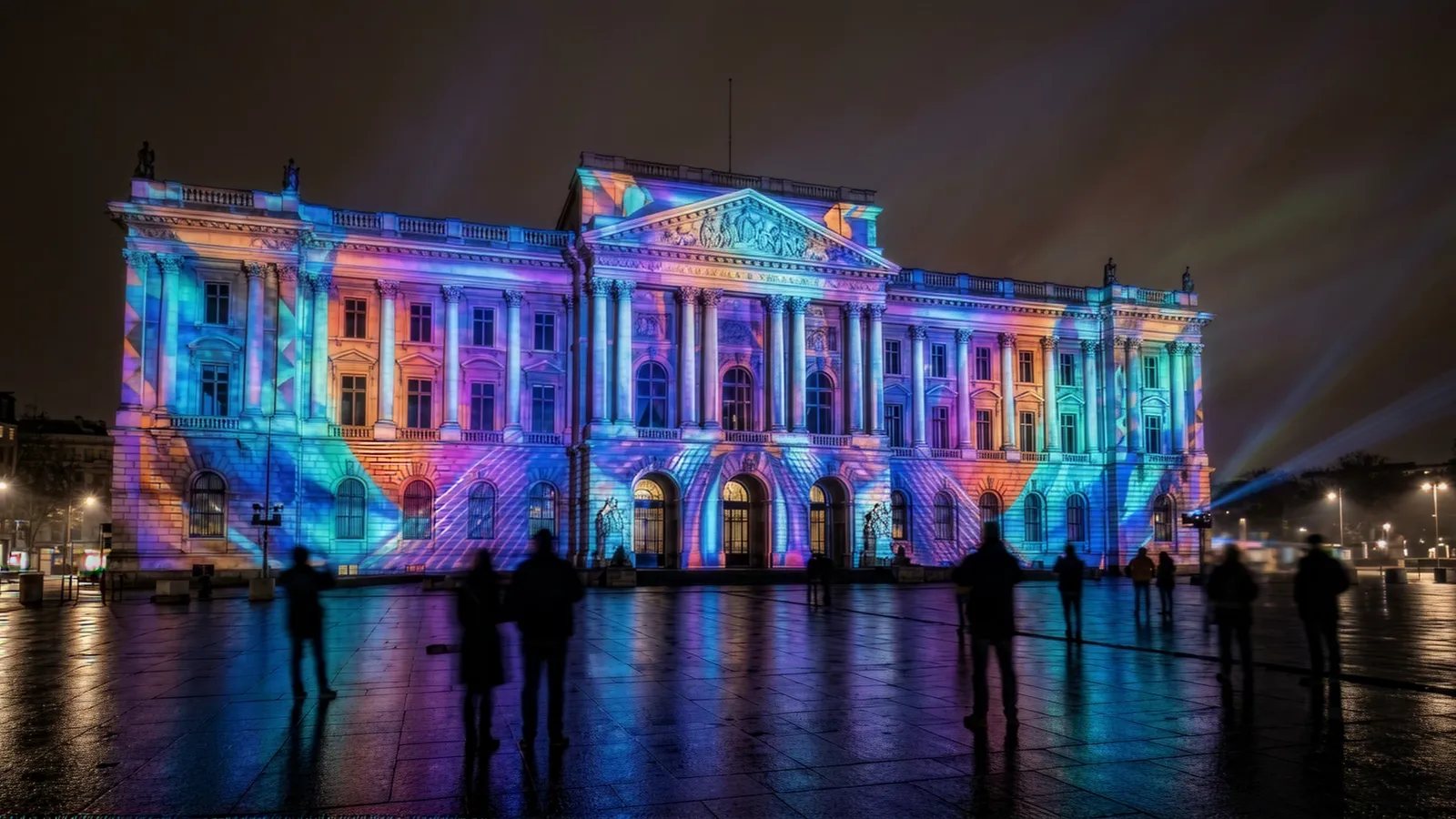
There is also a whole side of projection that flat screens and LED walls simply cannot do. Projection mapping turns a building, a stage set, a car or an odd-shaped wall into a moving picture. The surface does not need to be flat, and when the show is over the building is just a building again. For product launches, national celebrations, festivals and events, nothing else comes close.
So what should you choose?
Every technology has its place. LFDs suit small and medium rooms. LED walls are right for big impact, bright spaces and when the budget is there. But a good laser projector sits in between, in picture size, in quality and in cost. For most classrooms, meeting rooms, lecture halls and churches, it gives a bigger picture than an LFD and a lower cost than DvLED, with years of maintenance-free use.
So please, do not write “no projectors” in your next brief. Write “no cheap projectors”. Then let us show you what a proper one can do.
If you are planning a classroom, hall, church or boardroom and want honest advice on projector, LFD or LED, talk to us at PRO AV Africa or message me on WhatsApp.
References
- Epson granted damages against AuKing over false projector brightness claims, Action Intell
- Epson sues four Amazon-sold projector brands over brightness claims, CE Pro
- Epson settles brightness lawsuits, AWOL Vision and JmGo to correct specifications, Action Intell
- Advantages of laser projectors vs lamp projectors, Projector Reviews
- Short throw ratio, AVIXA
Images: manufacturer and industry sources. Throw diagram: Boaz Shani.